Now On Sale
About the Book
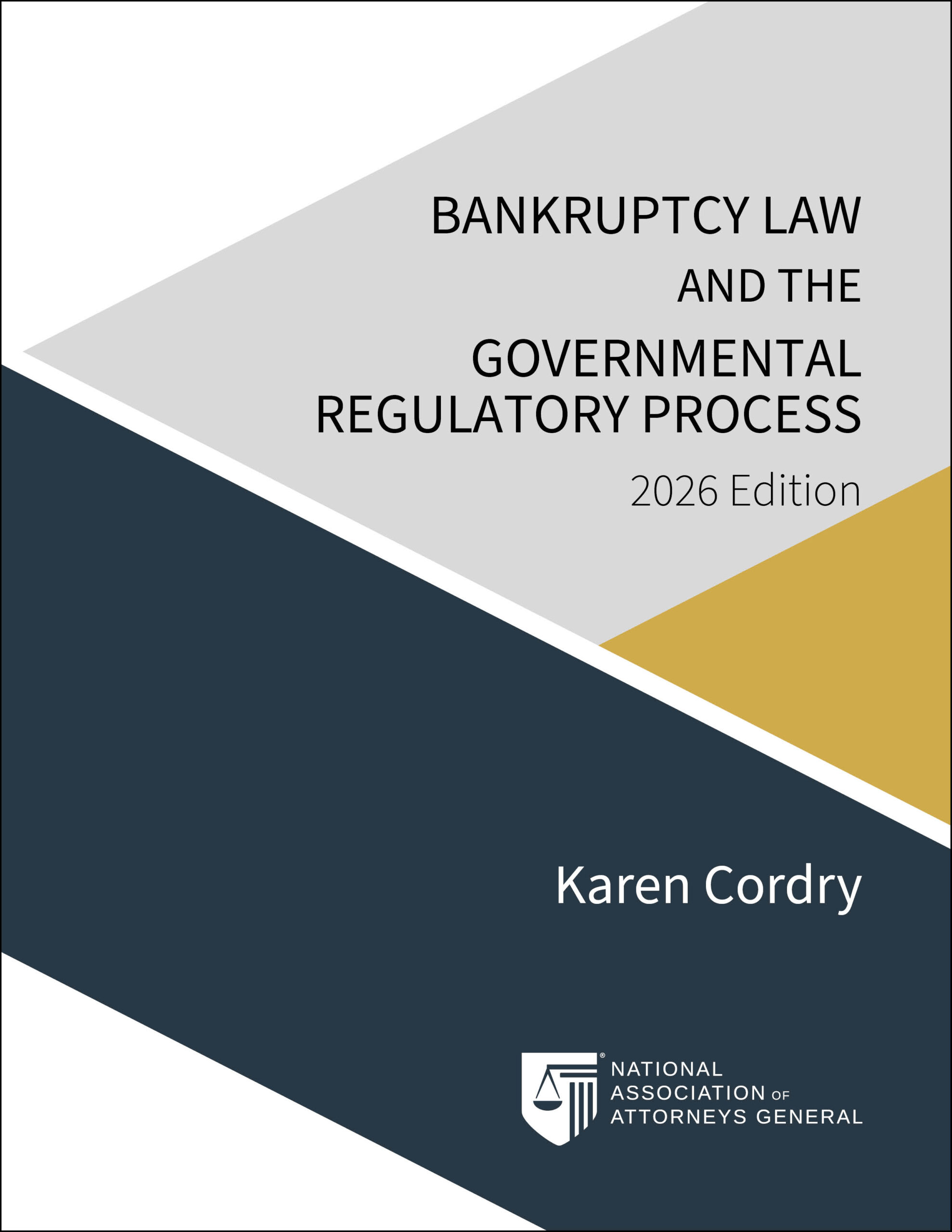
This publication provides authoritative guidance on the bankruptcy process for governmental regulators, identifying challenges and offering essential information for navigating complexities. It begins with a historical and philosophical overview of bankruptcy, explaining its origins, development, and goals. The publication details the Bankruptcy Code’s structure, key provisions, and Chapters 7, 11, and 13, covering case commencement, conversion, dismissal, and strategic considerations.
It also delves into the automatic stay, venue considerations, and bankruptcy court jurisdiction, including removal of state-court cases, abstention, and appeals. The guide discusses common procedures in Chapter 7, 11, and 13 cases, debtor duties, noticing provisions, and property handling. It defines claims in bankruptcy, covering equitable remedies, rights to payment, and claim filing mechanics.
Additionally, it explains Chapter 11 operations, including debtor, trustee, and examiner duties, Subchapter V cases, and estate property management. Finally, it covers estate asset turnover, avoidance actions, and other issues like setoff and recoupment.
Digital version available on Amazon.
Download
Please provide your email address to download the preview. By providing your email address, you consent to NAAG sending you information about how to obtain Bankruptcy Law and the Governmental Regulatory Process, 2023 Edition when it has been published.
I understand and agree to the following:
- I will not share this copy with anyone else without prior written consent from the publisher, NAAG.
- This preview copy is protected by copyright laws, I may not legally distribute, copy, or share it without permission.
- Review Requirements: We would appreciate a review.
- I will not sell a copy of the preview copy.
Reading the Book
The EPUB format is very popular and widely used in digital publishing. It’s the most common e-book format and is compatible with nearly all e-readers, including Amazon Kindle devices.
Most Common Ways to Add an EPUB to Your Kindle
- Send via the Kindle App on Mobile Devices:
- Download the EPUB file to your iPhone, iPad, or Android device.
- Open the file manager app and find the EPUB file.
- Use the share menu to select the Kindle app, which will send the file to your Kindle device.
- Email the EPUB to Your Kindle:
- Every Kindle device has a unique email address (ending in @kindle.com). This address is in your Amazon account under “Manage Your Content and Devices.”
- Attach the EPUB file to an email and send it to your Kindle’s email address.
- You’ll receive a verification email from Amazon. Confirm the request, and the book will appear in your Kindle library.
- Use the “Send to Kindle” App:
- Download the “Send to Kindle” app for your PC or Mac from Amazon’s website.
- Install and open the app, then drag and drop the EPUB file into the app. It will be sent to your Kindle device
- ther eBook Instructions
Kobo, Barnes & Noble Nook, PocketBook